How it works
Four steps for the shopper.
One system for you.
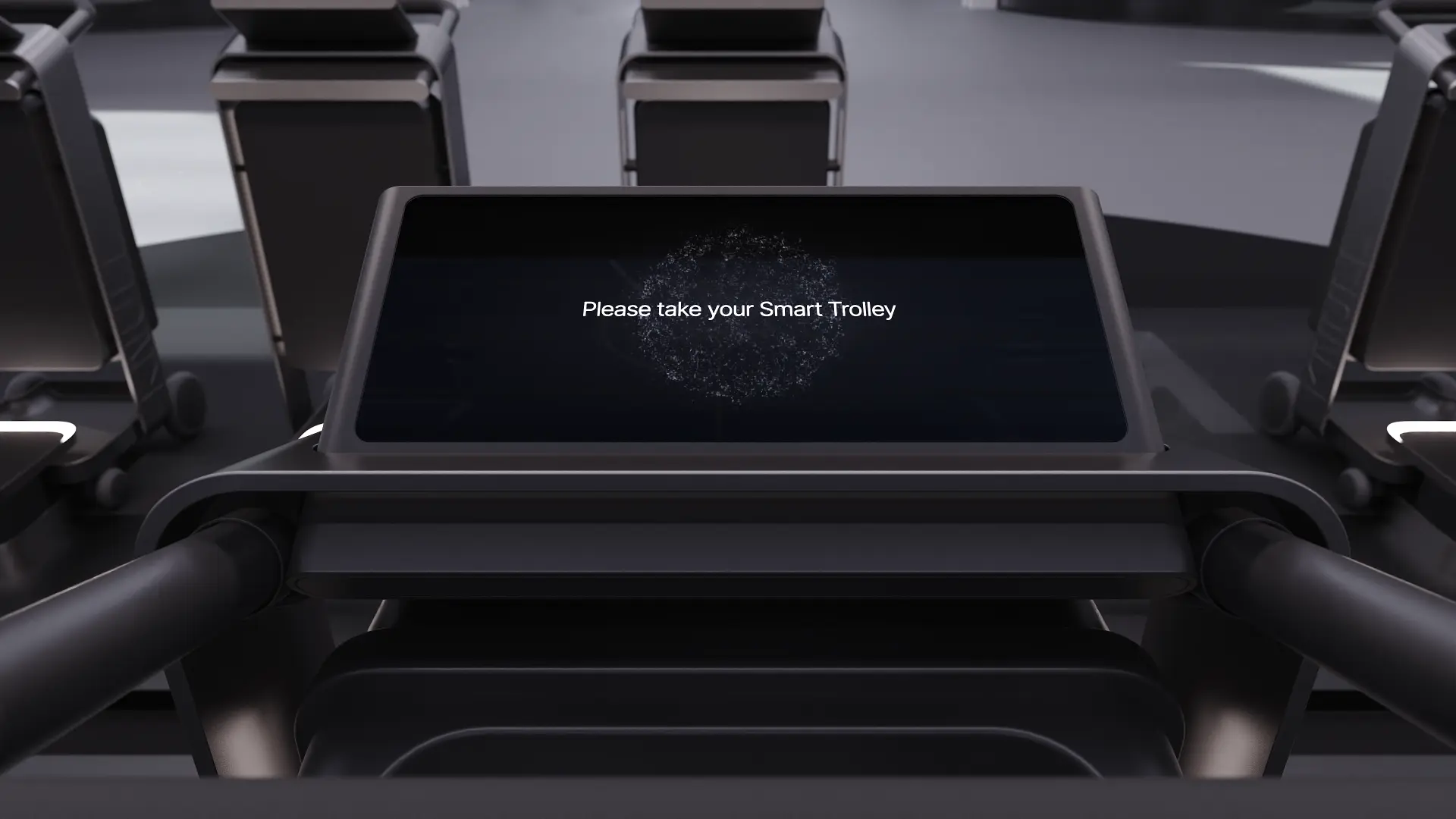
The shopper journey is deliberately short. Everything complex — identity, charge state, availability, service — is absorbed by the platform behind the dock.
01Shopper journey
Release, carry, return.
Each step is designed to be completed without instruction, signage or staff intervention.
- 01
Find a dock
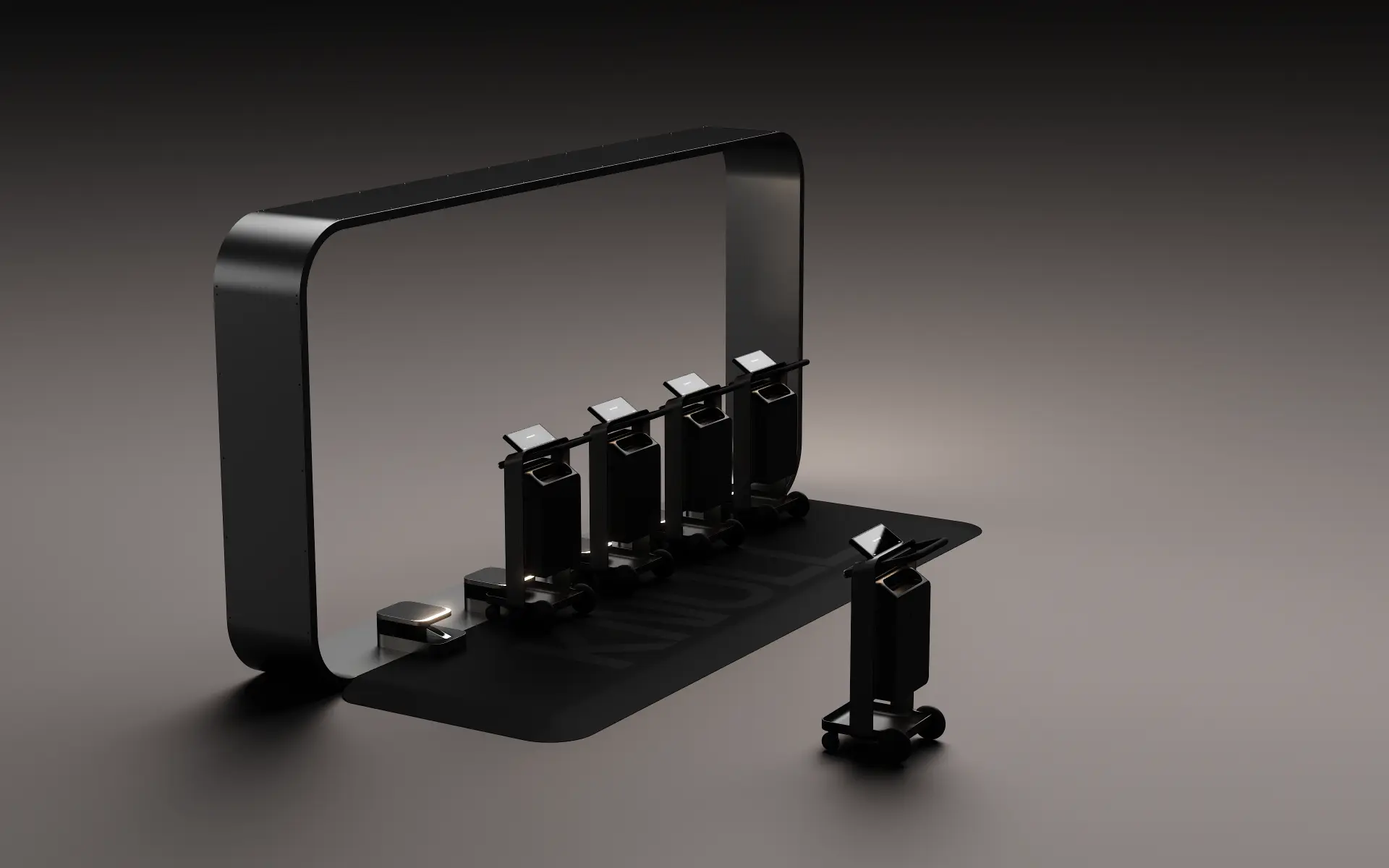
Dock islands sit at entrances, car park cores and circulation nodes. The app shows the nearest island and how many units are free.
No queue, no service desk, no deposit coin.
- 02
Release
Scan the code on the handle or tap the NFC mark. The dock releases a single unit and the session opens in the shopper's name.
Typical release takes a couple of seconds.
- 03
Carry
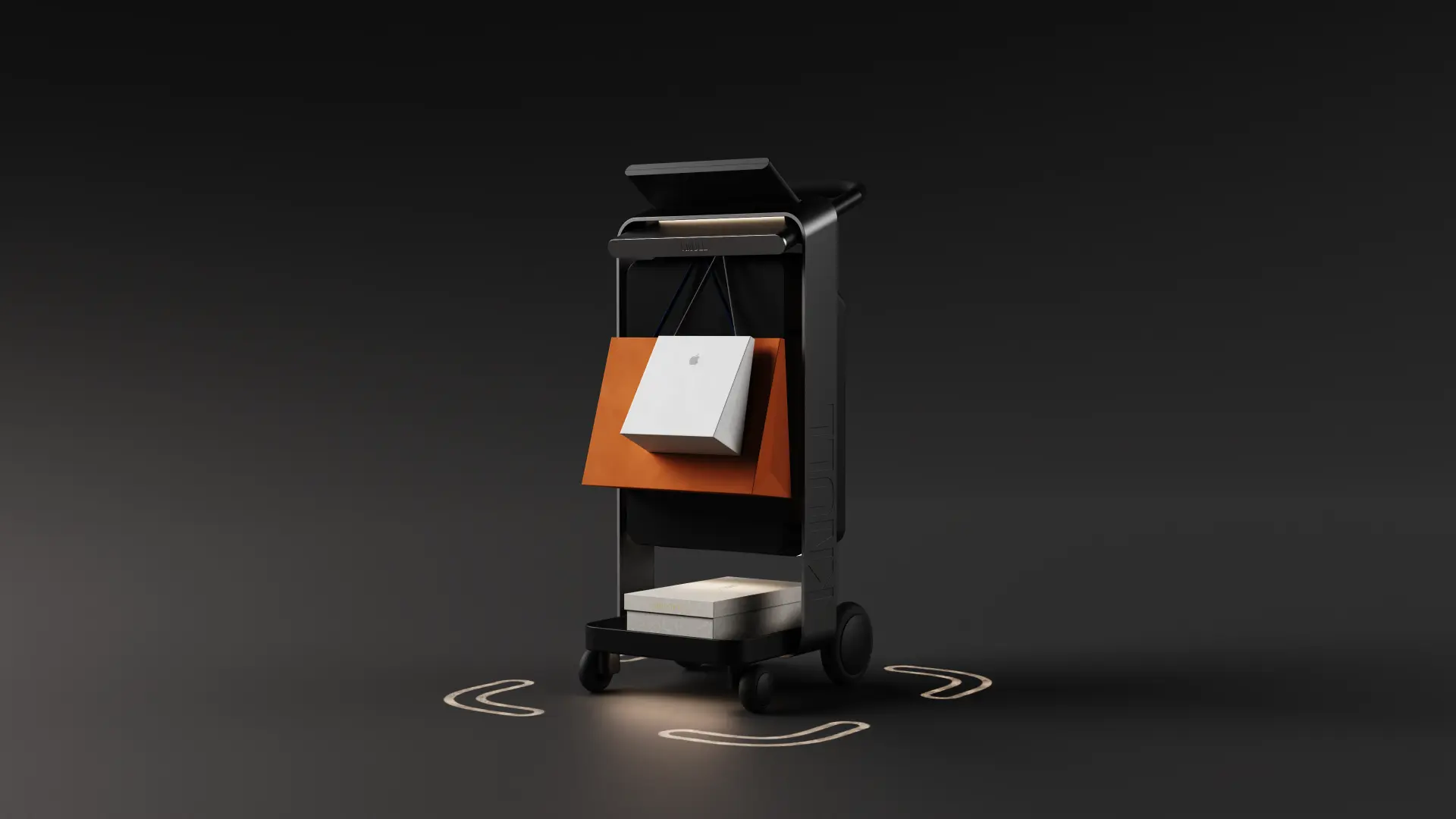
Bags hang on the rail, boxes sit on the lower deck, personal items and a drink go in the secure top bin. The interface stays at eye line.
Designed for a genuinely loaded visit, not an empty demo.
- 04
Return
Place the unit into any dock in the destination. Retention and charging engage automatically and the session closes with a clean summary.
Return anywhere — the fleet is rebalanced by the operator.
05Digital experience
From unlock to return, one seamless journey.
The shopper app carries the whole session: find a unit, open it, use it, return it. High contrast, few controls, no account maze.
Active session
K1-PRO-07
Illustrative product interface — not live data
02Operator side
What the same journey looks like to you.
Every shopper action produces state the operations team can act on: availability, dock capacity and service need.
The unit reports in
Identity, session state and charge level are visible from the moment a unit leaves the dock.
Docks report capacity
Occupancy per island lets the team rebalance before a shopper finds an empty dock.
Exceptions escalate
Service-due units, unreturned units and offline docks surface as actions rather than noise.
03Questions
The ones we get asked first.
- Does a shopper need an account?
- A session can be opened with a scan. Accounts are optional and used where an operator wants saved preferences or loyalty linkage.
- What if the network drops?
- Docks continue to release and accept units in local mode and reconcile sessions with the platform once connectivity returns.
- Can a unit be returned to a different dock?
- Yes. Any dock in the destination accepts any unit. Rebalancing is an operator task supported by occupancy data.
- How is pricing handled?
- Session pricing and inclusions are configured per destination. Many operators run Knull as an included amenity.
How it works
See a release-to-return cycle live.
A short demo covers the shopper journey, the dock behaviour and the operator console end to end.